& Construction

Integrated BIM tools, including Revit, AutoCAD, and Civil 3D
& Manufacturing

Professional CAD/CAM tools built on Inventor and AutoCAD
From blockbuster films and binge-worthy TV show to immersive games and unforgettable characters, the best entertainment is built on imagination and craft. Autodesk tools help artists and studios bring their ideas to life - creating the worlds, moments, and stories audiences love.
Explore the different types of projects Autodesk solutions can be used for.
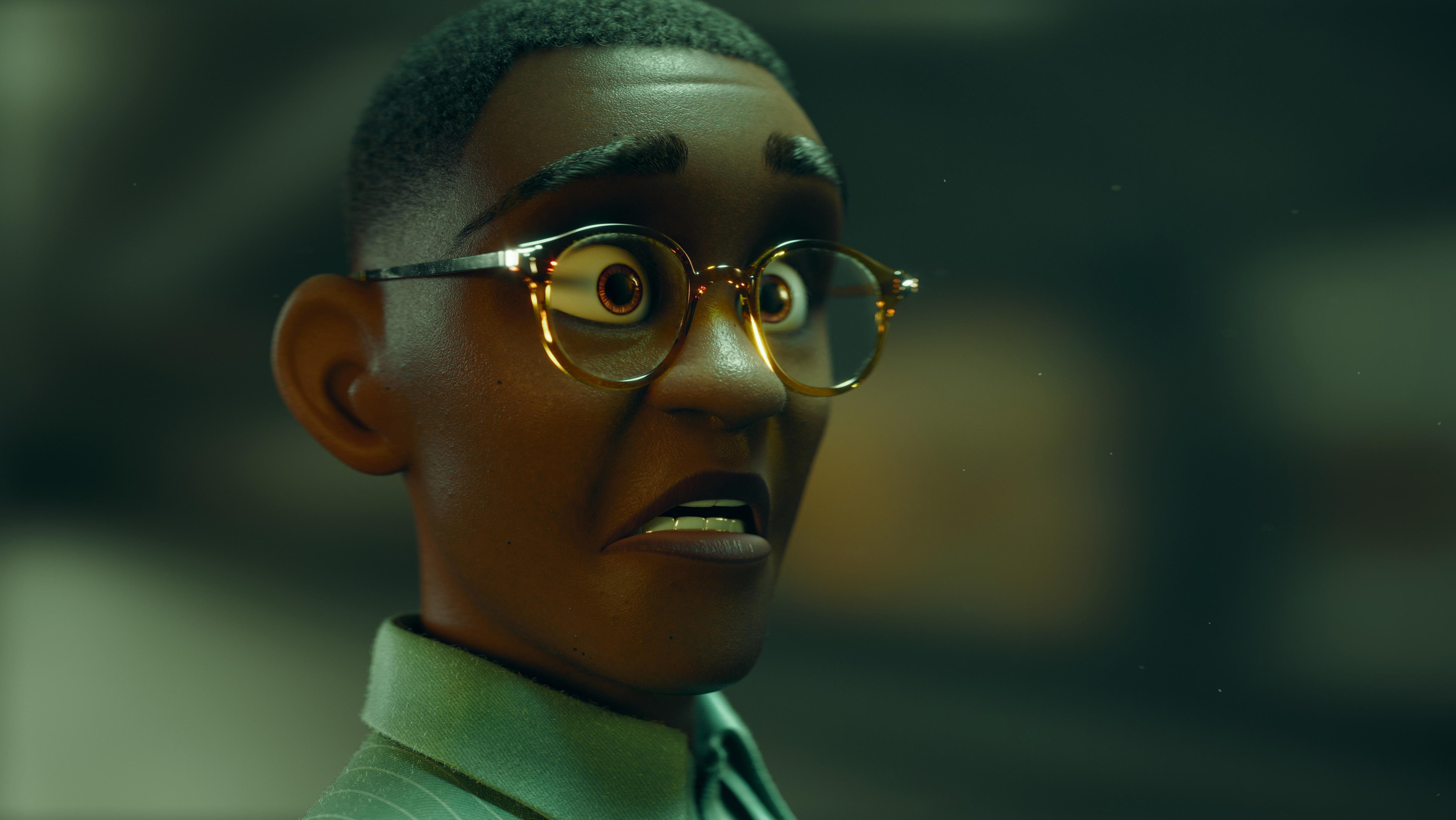
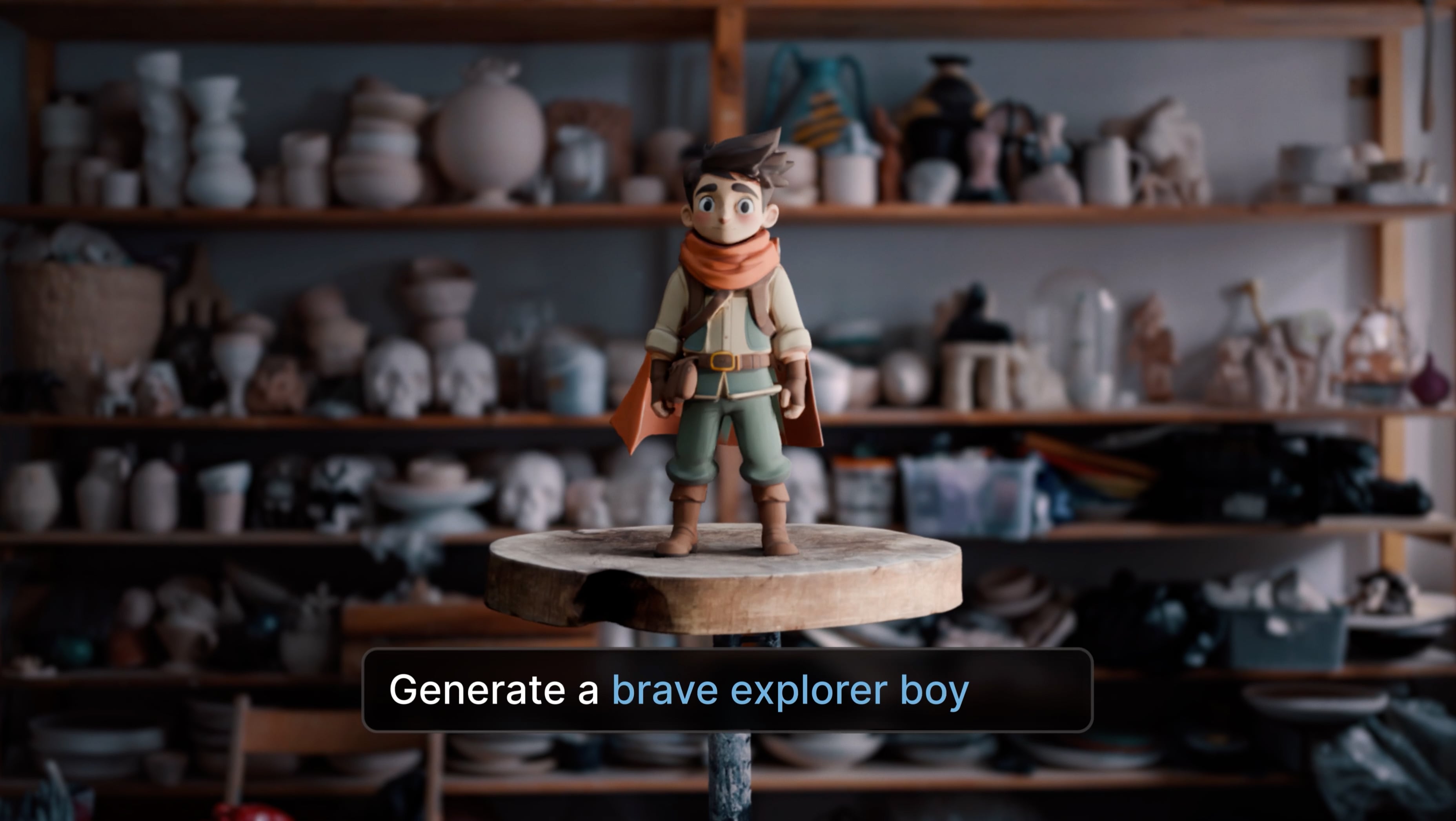
Bring complex CG characters and worlds to life faster and more collaboratively with powerful animation solutions.
Image courtesy of Tiago Mesquita
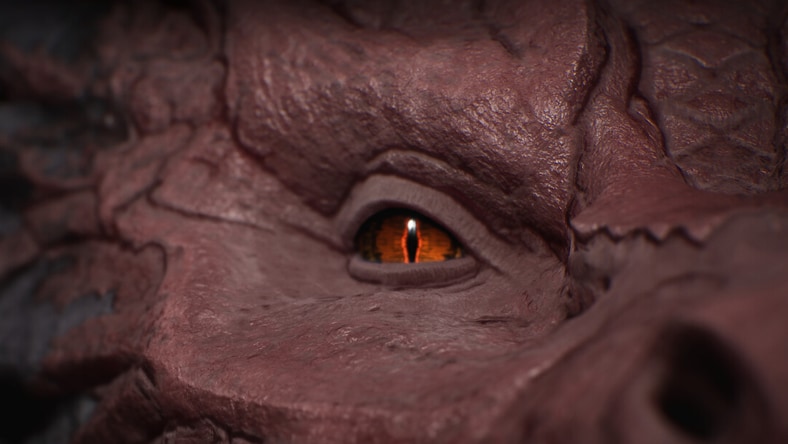
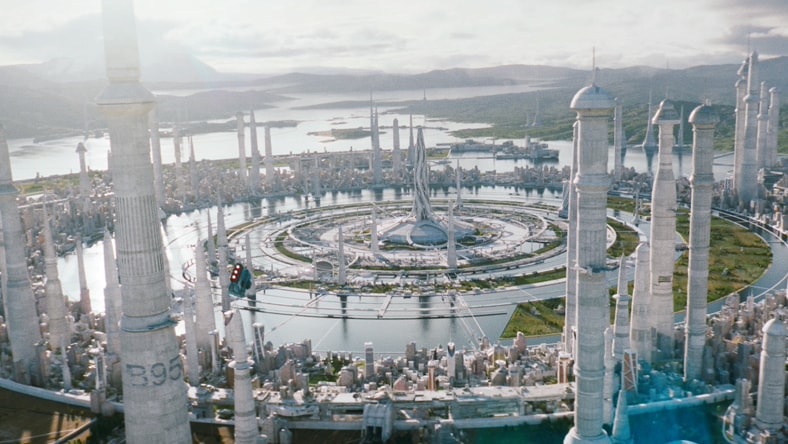
From jaw-dropping explosions to fantastical creatures, craft cinematic magic with industry-trusted visual effects software.
Image courtesy of Ludovico Totire
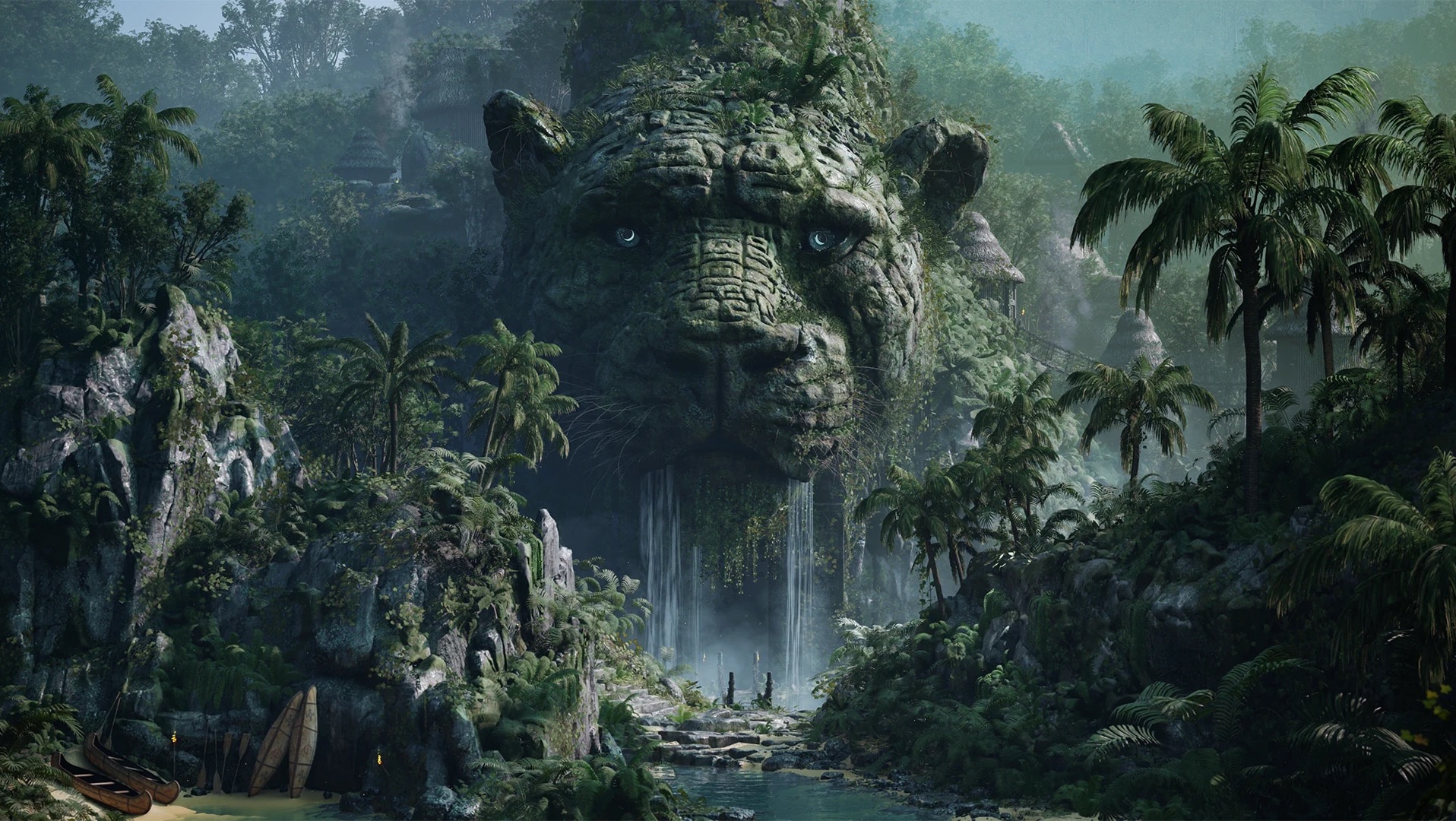
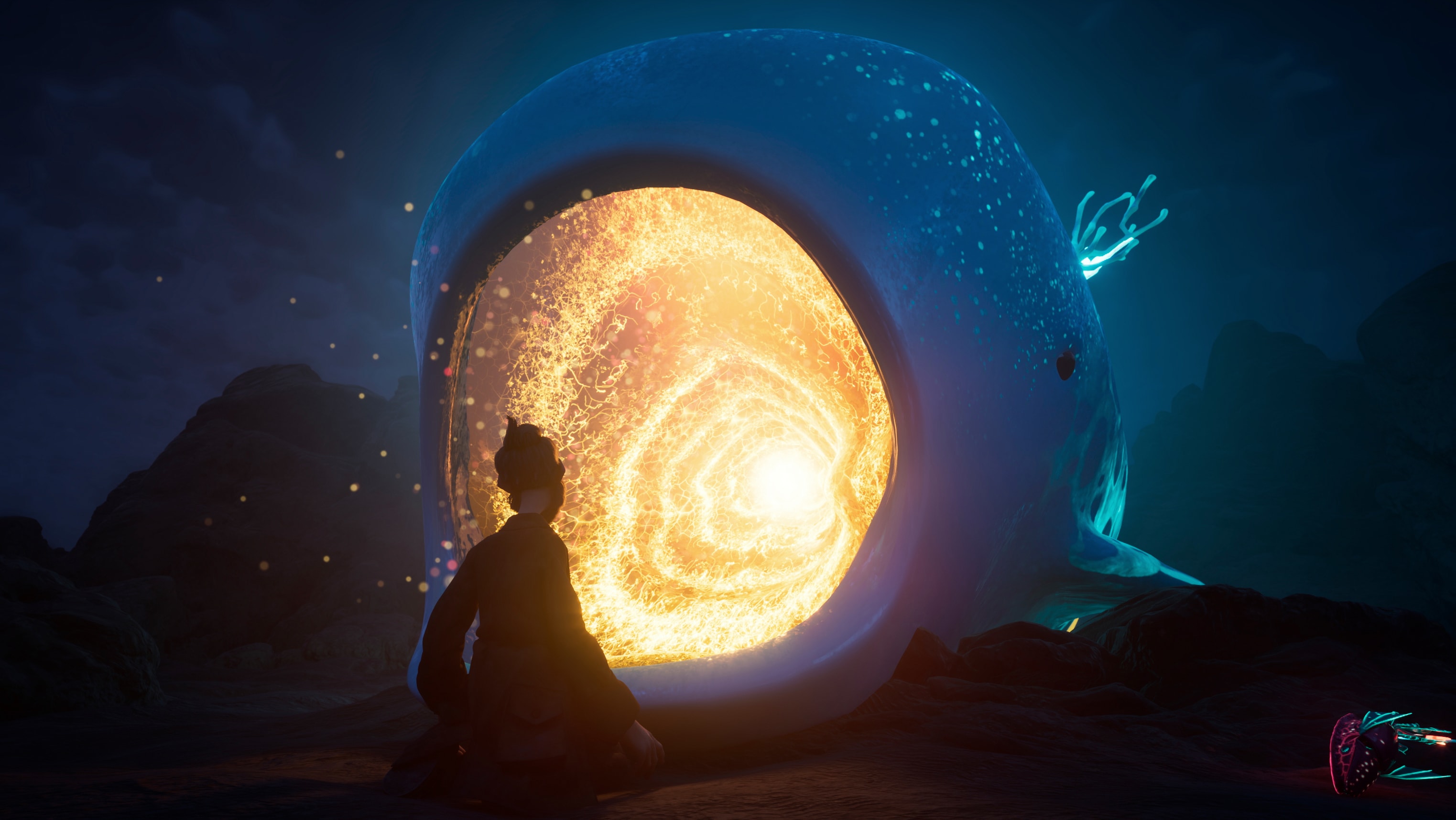
Create immersive, high-quality worlds and characters that transport game players to extraordinary realms.
Image courtesy of Eugenia Mikhaleva
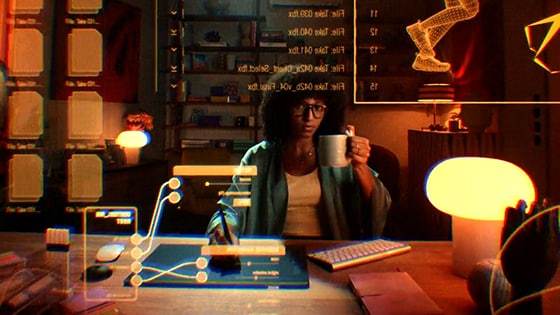
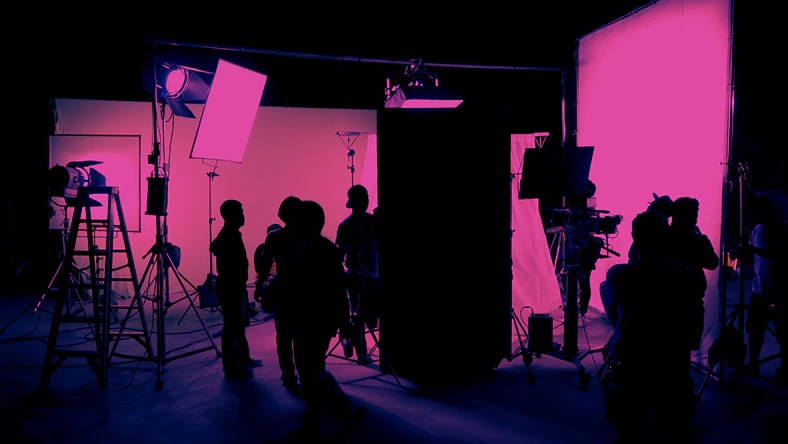
Keep productions moving, connect creative teams, and bring your vision from script to screen with cutting-edge, collaborative tools.
content creation
Image courtesy of Felipe Fierro
content creation
IImage courtesy of Steffen Hampel
AI-powered 3D tools
all-in-one solution
Image courtesy of Andrés Palma and Escena Animation Studio
SOKRISPYMEDIA
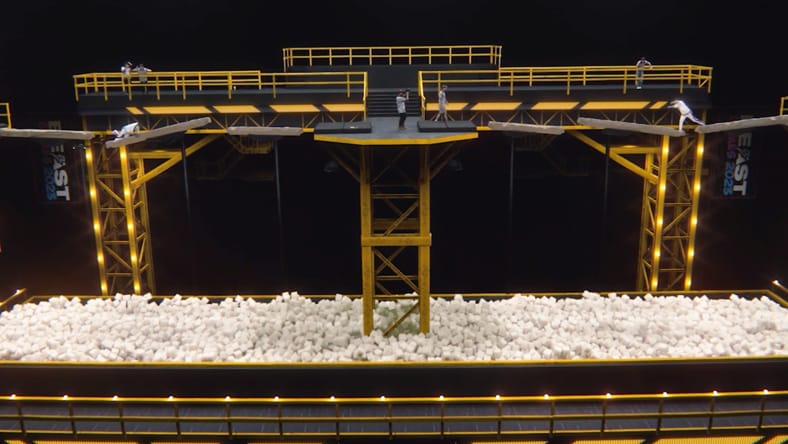
When MrBeast set out to raise the stakes for Beast Games Season 2, the scale demanded new levels of creativity and technology. Using Autodesk Flow Studio, Maya, and 3ds Max, SoKrispyMedia helped bring massive sets and VFX to life for this ambitious creator-led production.
Image courtesy of SoKrispyMedia
DISNEY ANIMATION
After more than a century of storytelling and innovation, Walt Disney Animation Studios continues to move the medium forward with Zootopia 2. Using Maya and Flow Production Tracking, more than 700 people came together to create the award-winning film.
Zootopia 2 © Disney
RODEO FX
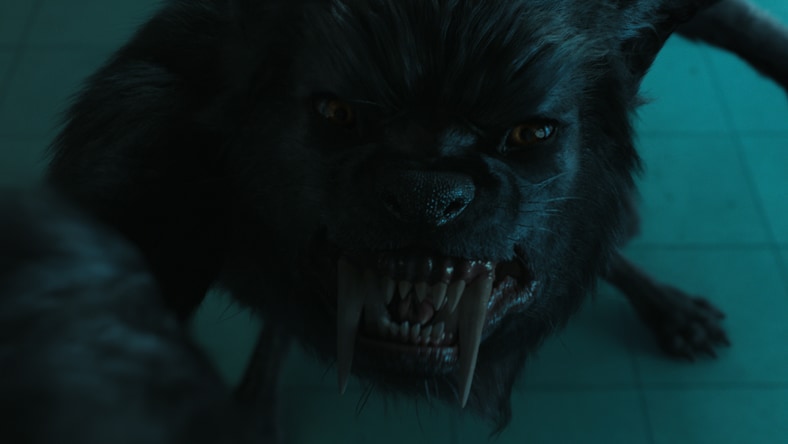
From the towering gothic architecture of Nevermore Academy to the ferocity of its werewolves, Rodeo FX shares how they used the Autodesk Media & Entertainment Collection to expand the dark, iconic world of Wednesday Season 2.
Image courtesy of Netflix and Rodeo FX
Discover how AI is empowering artists, streamlining production, and redefining the future of creative work. Industry leaders share why AI is no longer optional - it's essential for boosting innovation, automating tedious tasks, and staying competitive. Download the report to explore exclusive insights, hiring trends, and how top companies are preparing for the next chapter in storytelling with AI.
Autodesk Flow connects people, workflows, and data across the entire production lifecycle from on-set production to final delivery. Harnessing the power of an open ecosystem, open standards, and connected data, Flow helps studios collaborate more efficiently, optimize resource planning, and unlock new opportunities for innovation and creativity.
Autodesk offers Maya for 3D animation and modeling, 3ds Max for detailed 3D content creation, Arnold for rendering, Bifrost for procedural effects, Flow Production Tracking for production management, Flow Capture for secure review, and Flow Studio for AI motion capture. Together, these tools support connected creative workflows from asset creation to final delivery.
Autodesk Flow connects people, workflows, and production data across the content creation process, from on-set work through final delivery. It helps studios collaborate more efficiently with connected systems and better visibility across production.
Yes. Autodesk offers free 30 day trials for selected Media and Entertainment products so users can explore key workflows before purchasing. Trial availability may vary by product.
AI helps artists and studios reduce repetitive work, streamline parts of production, and create more efficiently. That gives creative teams more time to focus on storytelling, craft, and high-value creative decisions.
Maya is often the best Autodesk option for small teams focused on professional 3D modeling and animation. It offers a broad toolset that supports the full creative process from asset creation to final animation.
Many freelancers and small studios can get productive in Maya fairly quickly, especially if they already have experience with 3D workflows. More advanced features take longer to master, but teams can begin building and animating assets early on.
Freelancers can collaborate remotely by using cloud-based file sharing, review workflows, and standardized production tools that make it easier to exchange assets and feedback. Clear versioning and connected workflows help keep distributed teams aligned.