Improve your Civil 3D drainage designs with greater accuracy

Connect InfoDrainage and Civil 3D to run rainfall and runoff analysis, refine hydraulic results, and keep both models aligned with simple roundtripping.

Stack of pages from an e-book titled 'InfoDrainage + Civil 3D: Better Hydraulic Results in Civil Design'. The top page shows a person using design software on a computer.

Solve your most common drainage design challenges

Drainage design often requires multiple tools, manual inputs, and repeated iterations. This ebook outlines the five issues engineers encounter most often and shows practical ways to address them using connected workflows between Civil 3D and InfoDrainage. It’s a simple overview you can use to improve accuracy and reduce rework across your projects.

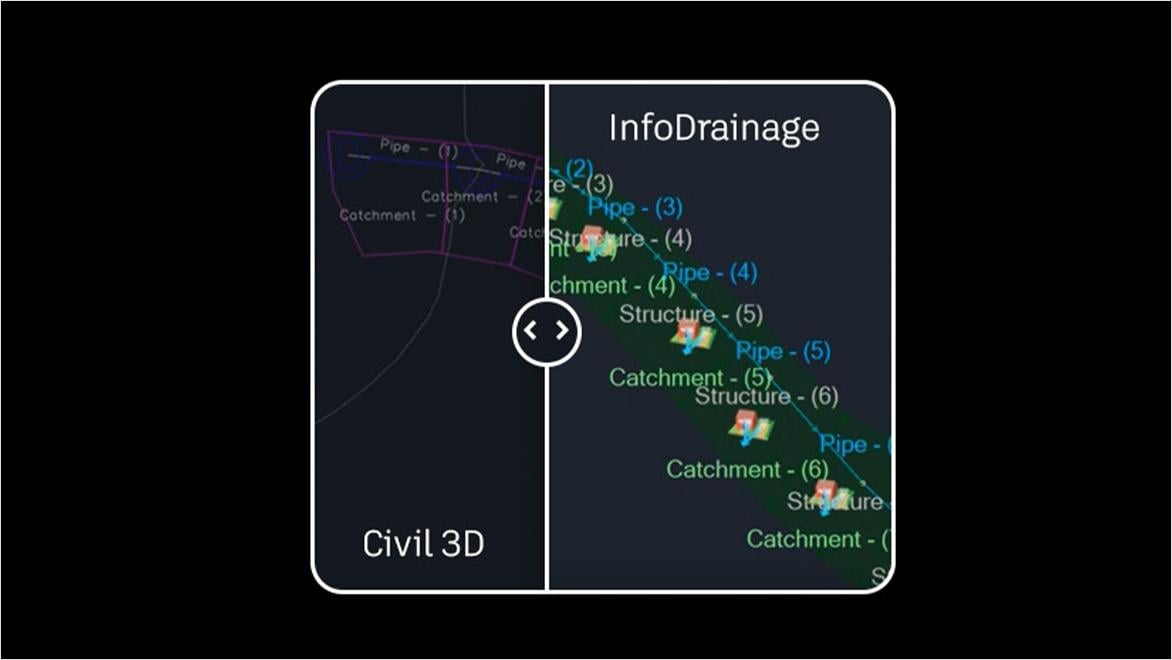
side by side software comparison of drainage design in InfoDrainage and Civil3D

One platform, no workarounds

When your drainage process depends on multiple systems, every extra step is another chance for delay or error. InfoDrainage and Civil 3D work together as one integrated workflow, so you can design and validate drainage systems without juggling workarounds. See where this approach outperforms other software setups.

See how global teams succeed with InfoDrainage + Civil 3D

Winning against tide and time

Enhancing stormwater resilience and safeguarding Charleston, South Carolina, with advanced drainage modeling.


Designing for future demands

Modernizing drainage practices to help communities in the UK adapt to growth with more accurate, connected design workflows.


Building with nature in mind

Creating new communities in New Zealand that balance cultural values and natural systems through resilient drainage design.


Improve drainage accuracy and efficiency

Better hydraulic results

Migrate hydraulic and energy grade lines for a more granular view of drainage conditions, and make informed design decisions.

Smooth round-tripping

Send drainage data to Civil 3D or bring site designs into InfoDrainage, at the click of a button from each platform’s toolbar.

Custom rainfall and runoff

Choose the right rainfall types and runoff calculation methods for your catchment, and meet sustainability standards.

Flexible reporting

Export the exact drainage data you need in a fraction of the time with automated, customizable reports.

How to get started with InfoDrainage

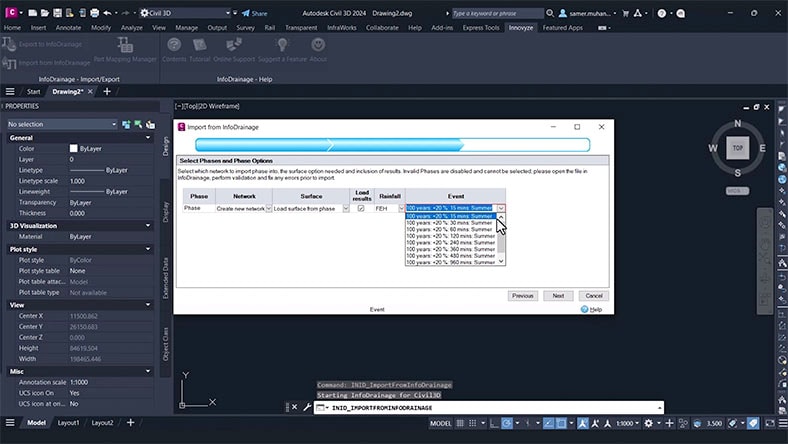
A Civil 3D user interface, where the user is navigating a menu to import drainage design data from InfoDrainage.

Product help

Integration support

Find guidance on connecting Civil 3D and InfoDrainage, troubleshooting workflows, and accessing key documentation.


An InfoDrainage user interface, where the user is analyzing drainage behaviour on a catchment model.

Video tutorial

Roundtrip workflows

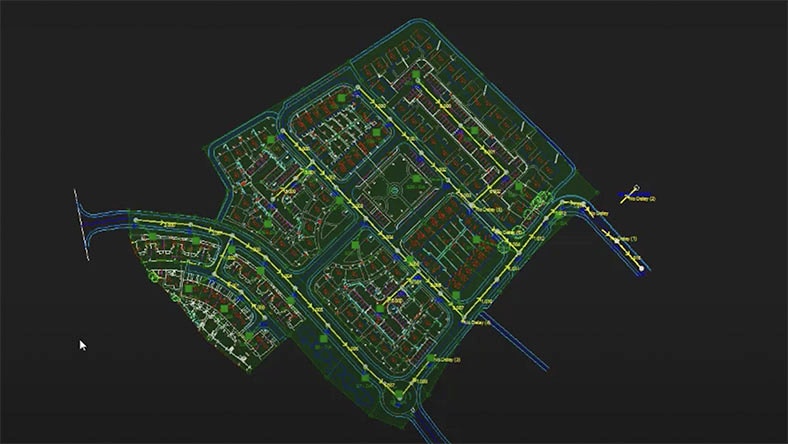
Watch how to export your Civil 3D design into InfoDrainage, refine the model, and send updates back with one click.


A Civil 3D user interface, where the user is viewing a civil design top-down and importing drainage data from InfoDrainage.

Video tutorial

Use extended data

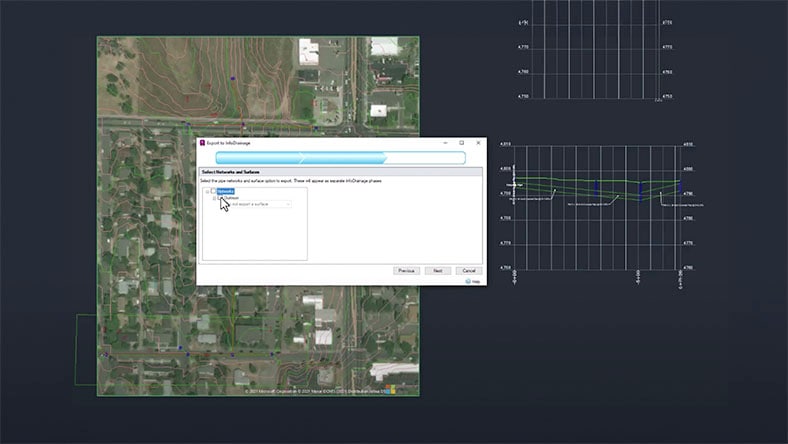
Learn how to enrich Civil 3D designs with rainfall and runoff data, hydraulic results, and other outputs from InfoDrainage.


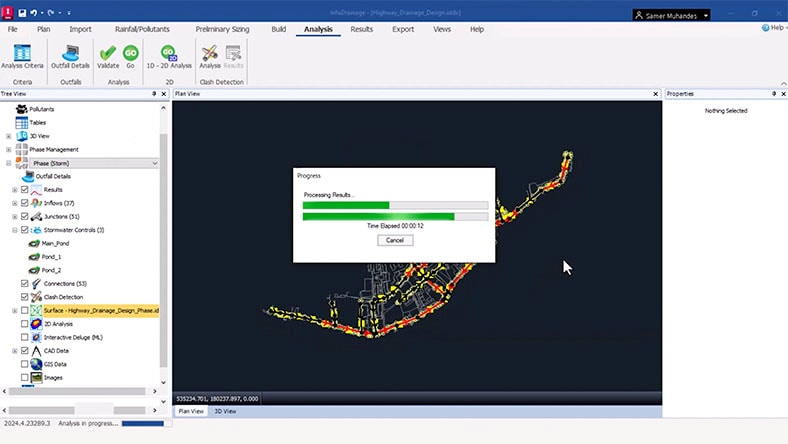
An InfoDrainage user interface, where the user is retrieving hydraulic results from a catchment model. Loading bars show the process is partway to completion.

Product course

InfoDrainage basics

Get a walkthrough of core capabilities, from preparing models to analyzing flow paths and building drainage networks.

Talk to an expert

Connect with an Autodesk product specialist to see how InfoDrainage supports faster, more accurate drainage design when paired with Civil 3D.


Ready to try it on your own? Download your free 30-day trial today.